Who looks after the app when the person who built it leaves?
A colleague, an outside developer or we can, but only if the company holds the accounts, the code, the keys and the access. If they're in the builder's name, the app leaves with them.
This page is for owners, heads of department and IT. It covers what usually happens after the builder leaves, what to move into the company's name while they're still around, and what to do once they've gone. The handover list works without Fabrika too.
Updated 28 September 2026
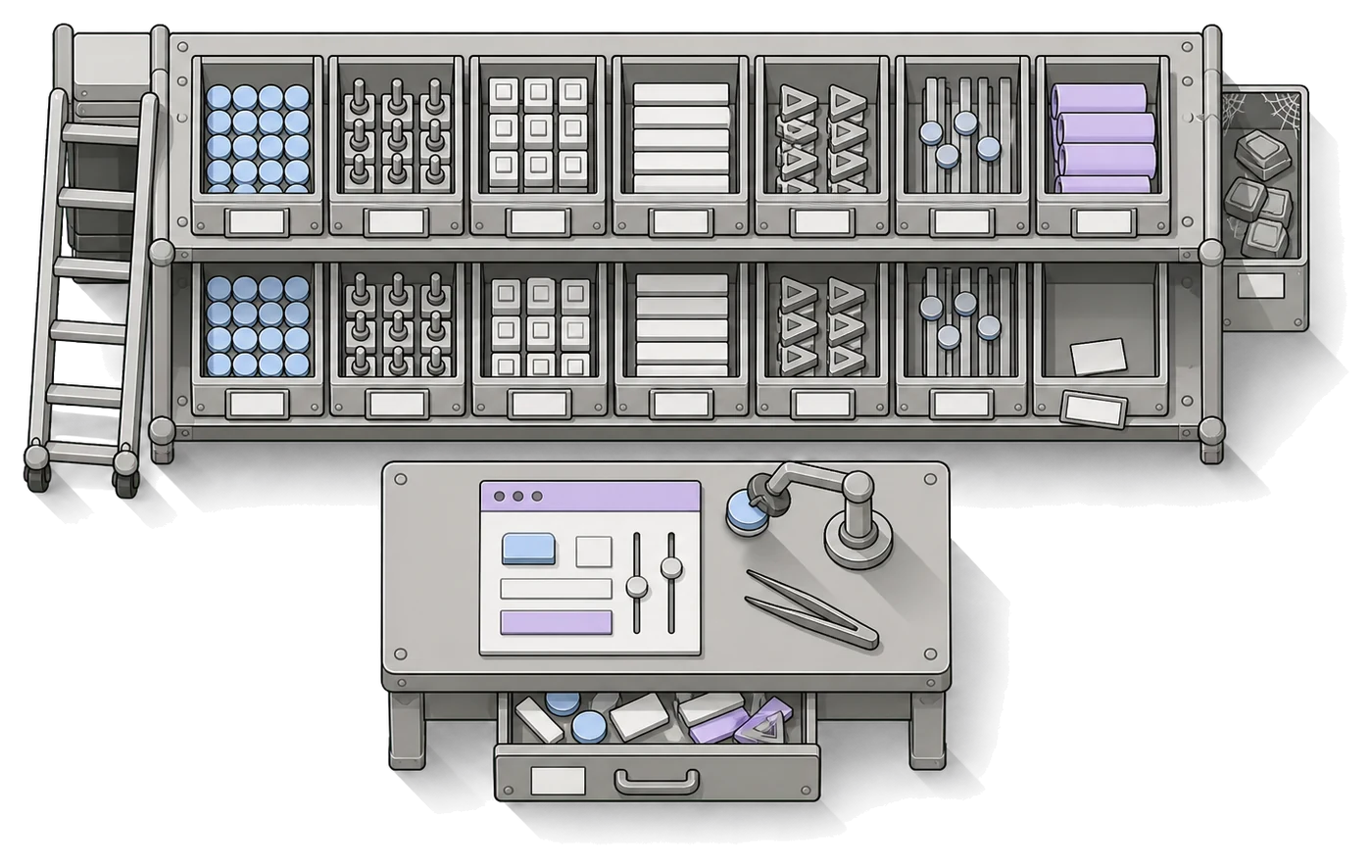
“The question is whether developing apps that are critical to how a company runs and grows can rest on one irreplaceable person.”
“Building an app is one thing. Making sure it works for five years is another.”
“I am the only developer. The bus factor here is 1. If they lose me, they are going to be in serious trouble to keep their business running long-term.”
What happens when the builder leaves?
At first, usually nothing. An app built with AI is often known only to the person who built it, and as long as nobody wants anything from it, nobody misses them. The trouble comes in three steps.
- 01 The first weeks
The app keeps running
People use it as before. Nobody notices that no one stands behind it, because nothing has needed changing yet.
- 02 The first change
Someone wants something adjusted
A new field, a new approver, a colleague from another branch. Suddenly it turns out nobody knows which tool the app was built in, where the code is or who can sign in there.
- 03 The first outage
The app stops working
The card the hosting ran on expires, a trial plan ends, the credits run out or a service the app depends on changes. The data sits in a database on someone else's account, and passwords can only be reset through an inbox nobody reads.
Where the keys to the app usually are
Not on purpose. It was simply the quickest way while the app was being built.
- The account in the tool the app was built in (Lovable, Replit, Bolt), signed up with the builder's private email.
- The database, often on Supabase or Firebase, on their account and their card.
- The repository on their personal GitHub, or no repository at all.
- The domain, registered in their name.
- Keys to other services (AI, email, payments) in a
.envfile on their laptop or in the tool's settings. - The only admin account in the app.
- And the reasons why things are built the way they are: in their head and in their chat history with the AI.
What should you sort out before they leave?
While the builder is still around, this usually takes a few hours of working together. After they've gone, the same things take weeks to track down, and some never turn up. The list works for any app, whether a colleague, an outside developer or we look after it next.
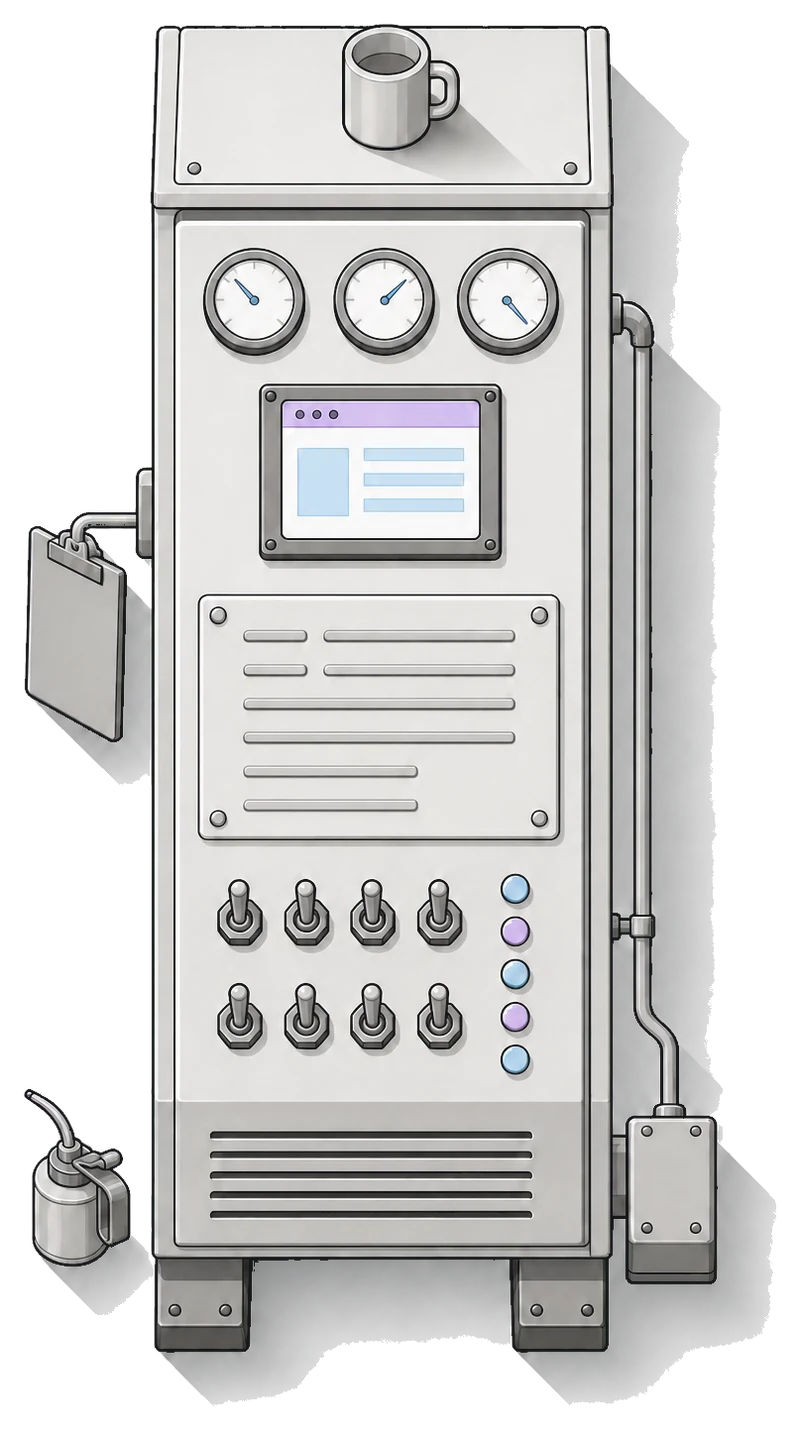
Accounts and ownership
-
01 List every service the app depends on.
The tool it was built in, hosting, database, domain, email, payments, AI. Go through them with the builder one by one. Forgotten services show up on the card statement and in files in the code such as
package.jsonor.env.example. -
02 Move the accounts into the company's name.
Where a service supports a team or an organisation (GitHub, Supabase, Vercel and others), move the project into the company's organisation and keep the builder as a member you can remove. Where it doesn't, change the account's email to a company one, ideally a shared inbox rather than the successor's personal address.
Code
-
03 Is the code in a repository the company owns?
Transfer the repository to the company's organisation on GitHub or GitLab. Check that it holds the version that's actually running: tools like Lovable or Replit only push code to GitHub when the connection is switched on, and it leads to whichever account set it up.
-
04 Can the code be got out at all?
Apps clicked together in Bubble and similar tools don't let you export the code, only the structure and the data. Better to know that now. At the very least, download the data and write down what the app does.
Keys and passwords
-
05 List the keys and passwords the app depends on.
For each key: which service it belongs to, whose account it's on, where it's stored (hosting settings, a
.envfile). The values belong in the company password manager or in the hosting settings on a company account, not in email or chat. -
06 Agree to replace the keys on their last day.
The builder knows the keys and may have them saved on their computer. Not out of bad intent, they just stay there. Generate new keys on company accounts and revoke the old ones.
Where it runs
-
07 Where does the app run, and how does a new version go live?
The address, the hosting, the database. And above all the procedure: a button in the tool, a push to a branch, a manual upload? Have the builder show it to someone else once, not just describe it. A procedure someone has done themselves is worth more than a page of instructions.
-
08 Is the database backed up, and has anyone tried a restore?
Find out where the backups are, how often they're made and whose account they're on. Treat a backup nobody has tried to restore as uncertain.
Who pays
-
09 Whose card is it all running on?
Move every service to a company card or an invoice to the company. Check what runs on a trial plan or a free tier, and when and to whom the domain renews. An app on a private card ends with the first failed payment.
Documentation
-
10 One page in the repository is enough.
What the app is for and who uses it. The list of services and accounts. How to run it locally and how to deploy it. What broke before and how it was fixed. What's half done. A
READMEin the repository is a good place, because it doesn't get separated from the code. -
11 The instructions the AI built from.
If the builder used files like
AGENTS.md,CLAUDE.mdor.cursorrules, make sure they're in the repository. They carry the rules and context the AI wrote the code by, and the next person (and their AI) can pick up from them.
Access
-
12 Do at least two people in the company have admin access?
In the app and in the services behind it. Add the second admin before you close the builder's account, or you'll be locked out of some places.
-
13 Who owns the app, and who will maintain it?
The owner decides what the app does and for whom. The maintainer makes sure it runs. It can be one person, but always a specific name, not “IT” or “someone from the department”.
-
14 A list of where to remove their access on the last day.
The app, the tool it was built in, the repository, hosting, database, domain, the services with keys. If people sign in with a company account, closing that one is enough. With the app's own passwords, you have to go through every place separately.
Before the app goes to more colleagues, it's worth going through the production checklist too: sign-in, data, keys and outages.
They've already left. What do you do on day one, and in the first week?
It can be done without them, it just takes longer. The point is not to make anything worse and to bring the accounts back under the company step by step.
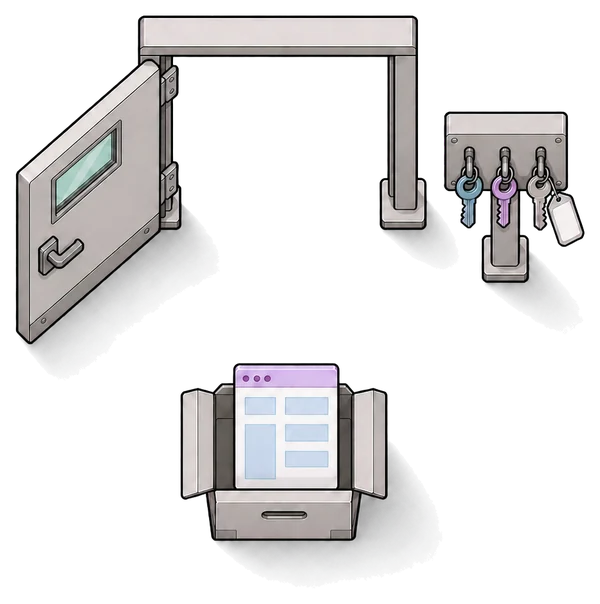
Don't make it worse
- Don't switch anything off or delete anything. The running app is now the best documentation of what it does.
- Don't delete the builder's company email account. Block their sign-in and give someone in the company access to the inbox: password resets for the services they signed up with will land there.
- Remove their access to the app, and everywhere else you can from the company's side.
- Download the data: an export from the database, or at least an export from the app into a spreadsheet.
- Write to them. A specific list (transfer the accounts, the repository, the keys, half an hour for questions) is easier to help with than a general request.
Bring it back under the company
- List the services from card statements, invoices and the code, if you have it.
- Get the code into a company repository. If you don't have it, find out whether it can be got from the tool the app was built in. If it can't, count on the app being built again.
- Replace the keys and passwords you can get to. Payments and data access first.
- Open the app in a private window. If you get in without signing in, deal with it straight away. More in the production checklist.
- Decide whether you still need the app, and who takes it over: a colleague, an outside developer, or a takeover onto Fabrika.
The accounts are on a private email and the builder isn't responding
Try the support of the service in question. Some can transfer an account once you show the app belongs to the company: invoices, the domain, a contract. Who owns the code is a matter for the employment contract or the contract with the supplier. Have a lawyer look at that; we can't settle it for you.
What does it look like on Fabrika?
Fabrika is a platform your company builds its own apps on, and our team behind it. Most of the handover list is taken care of from the start, so the builder leaving doesn't turn into a project.
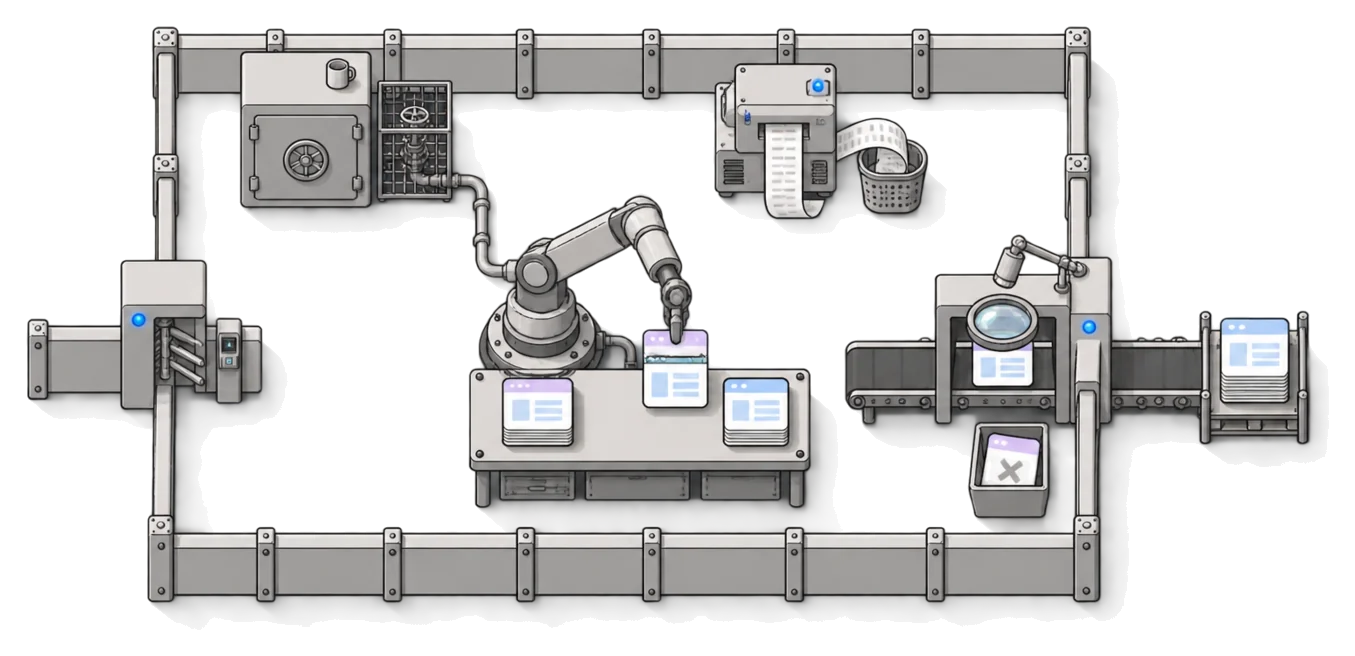
The accounts are the company's
The apps run in your own installation, in a cloud account registered to your company, with Cloudflare or Zerops. You pay the provider directly for servers, by usage.
The code is in the company's Git
Every app has a repository in your company's name, and it goes live only from there. Every deployment is recorded.
Keys aren't in the code or in anyone's head
The cloud provider holds the apps' keys and passwords. Each app sees only its own. They can be written, never read back.
Access hangs on the company account
People sign in with their company account through Google, Microsoft Entra or Okta, and roles are set in one place for all apps. Once the company closes the account, that person can't sign in through the platform. Outside people sign in with a password.
We've seen every change
We review each change before it goes live, and every version comes with a report: what changed and what we checked. Knowing the app doesn't depend on the builder's memory.
Anyone can pick it up
A colleague, an outside developer, an agency, or us. The next person picks up from Git, and we help them find their feet.
The platform watches operations
Errors from all apps land in one place, the platform checks that apps respond and alerts on a new error. We set up backups and recovery with you, to the extent you need.
And if we ever stopped
The code, the data and the domains are yours and in your account. The system keeps running without us.
What stays with you
An owner for each app, who decides what it does and for whom. Your people's company accounts, and closing them. Who gets which role.
When is it better to let the app go?
Not every app is worth rescuing once its builder has left.
- Nobody has opened it in the month since the builder left. Download the data, switch the app off and cancel the services you pay for it.
- It was one person's own tool and nothing else depends on it.
- There's a ready-made tool that does the same thing, and your company doesn't differ from it in anything that matters.
- The code can't be got out and the process it serves isn't critical. Rebuilding it is only worth it if the company really relies on it.
When isn't Fabrika for you?
We'd rather say it up front than at the end of a call.
- You have your own IT or developers who can run apps and review changes. Then the handover list above and tidy accounts are all you need.
- The app was clicked together in Bubble or a similar builder that can't export code. We can't take it over; we can only build it again.
- Your IT requires Azure or your own servers, or SAML-only sign-in. Fabrika runs on Cloudflare or Zerops, or on AWS by arrangement, and connects company accounts through OIDC (Google, Microsoft, Okta).
- The app is a public service for thousands of customers, with payments and sign-up open to anyone.
- You only want the code checked once and will run the app yourselves. Then a one-off audit is the cheaper route.
What people ask about looking after an app
Who actually maintains an app built with AI?
Until someone decides otherwise, the person who built it, often without leadership knowing. Maintaining means making sure it runs, letting changes into it, updating libraries, managing access and dealing with outages. If there's nobody to do that, it's exactly the work we do on Fabrika: operations and change review are with us, and anyone can keep building.
What has to be in the company's name before anyone else works on the app?
The service accounts (the tool, hosting, database, domain), the code repository, the payment card, and the keys and passwords. Plus at least two admins from the company. Everything else can be tracked down later. These can't.
Who answers when something goes wrong inside the app?
Without an agreement, nobody, and in practice whoever happens to be around. Besides the app's owner, you need someone who finds out about an outage and can fix it. On Fabrika we answer for operations under an SLA, and when a bug in your developer's or agency's code shows up in production, we fix it. More in Your developers.
A colleague handed us an app built with AI to review and put into production. Can you help?
Yes, that's a takeover. We go through the app, make small changes so the platform handles sign-in and deployment, and deploy it to your cloud account. We review every change after that before it goes live. It happens elsewhere too: “they handed me a vibe coded app and asked me to review it for them and put it into production” (Hacker News, 2026). Details for IT on the Security page.
Isn't it enough for the builder to write documentation?
It helps, but on its own it isn't enough. Documentation says where things are, but if the accounts and the card are still theirs, the next person can't get in anyway. Ownership first, then the description.
The builder has left and we don't have the code. Can the app be taken over?
It depends where it was built. From tools like Lovable or Replit the code can be got out, as long as you can get into the account. From Bubble and similar tools it can't; there the app can only be built again from what it does. On the scoping call we'll tell you which case yours is.
Can we keep building in Lovable after the takeover?
We're checking that now; ask us how far we've got. What's certain is that after the takeover your person can keep building with Claude Code or Codex. More on Lovable apps.
What if the person who builds our apps on Fabrika leaves?
The apps stay where they are and keep running. The code is in Git, the platform enforces the rules and we've seen every change in review. The next person picks up where the last one left off, and we help them find their feet.
And what if you shut down?
The code of the apps is yours, and the data and domains are in your account. The system keeps running without us, and the next person picks it up from Git.
How much does it cost?
A one-off Fabrika setup, then monthly operations with change review. You get the price in an offer after the scoping call, before we start. You don't pay per user or per hour. More in Pricing.

Show us the app.
Half an hour and a link to the app or the repository is enough, even if the builder has already left. We'll go through what's in the company's name and what isn't, and tell you what taking it over onto Fabrika would involve. If it doesn't make sense for you, we'll say so plainly.