The framework we build everything else with
Contember is an open-source full-stack framework. Over seven years in production, from small editorial systems to systems that run entire companies.
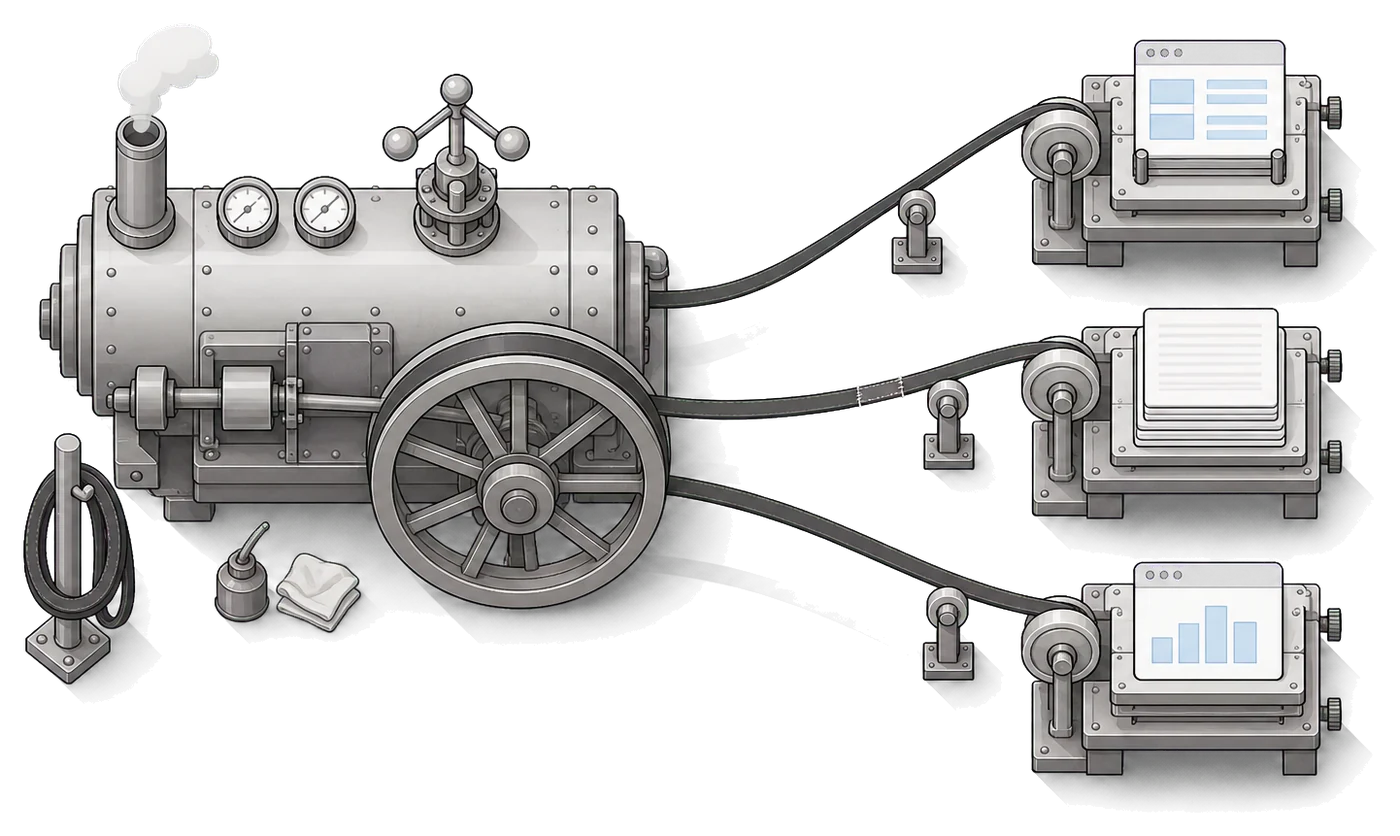
You describe the model. You get everything else.
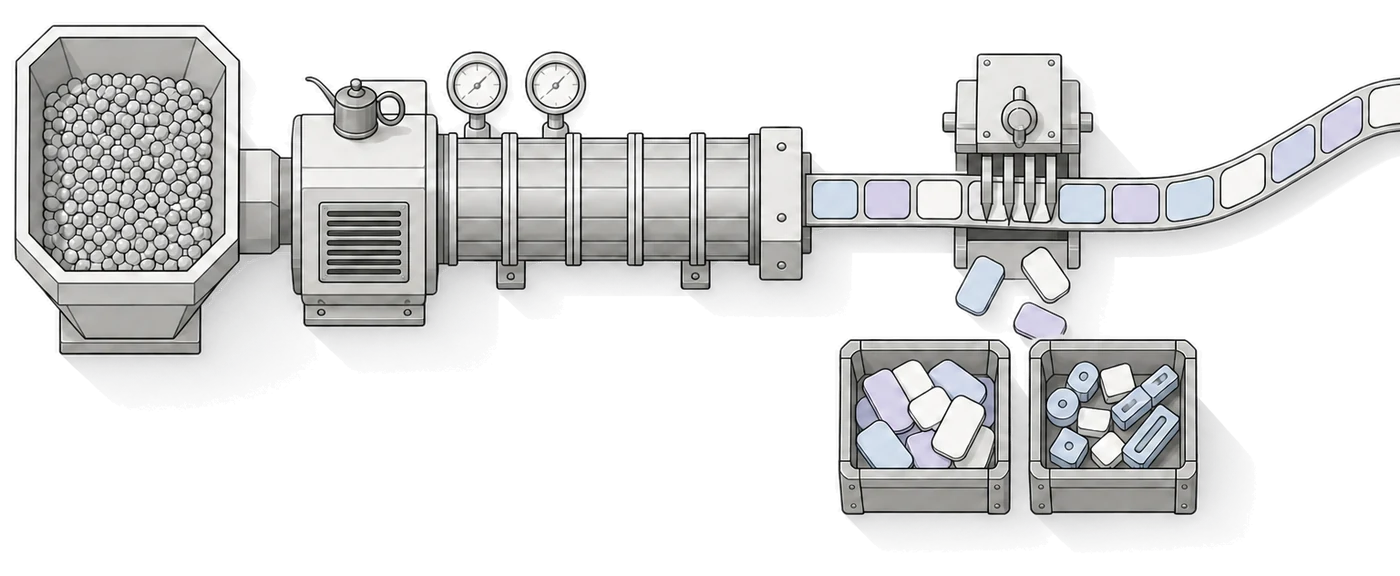
You define the model
Data model, roles and permissions, declared in TypeScript. One source of truth, readable by people and AI agents.
The rest gets generated
A GraphQL API tailored to roles, authentication, database migrations and a React admin. Weeks of plumbing, done instantly.
You build only what matters
Business logic and interfaces, not infrastructure. Complex applications take weeks, not quarters.
Ready-made pieces you otherwise write over and over
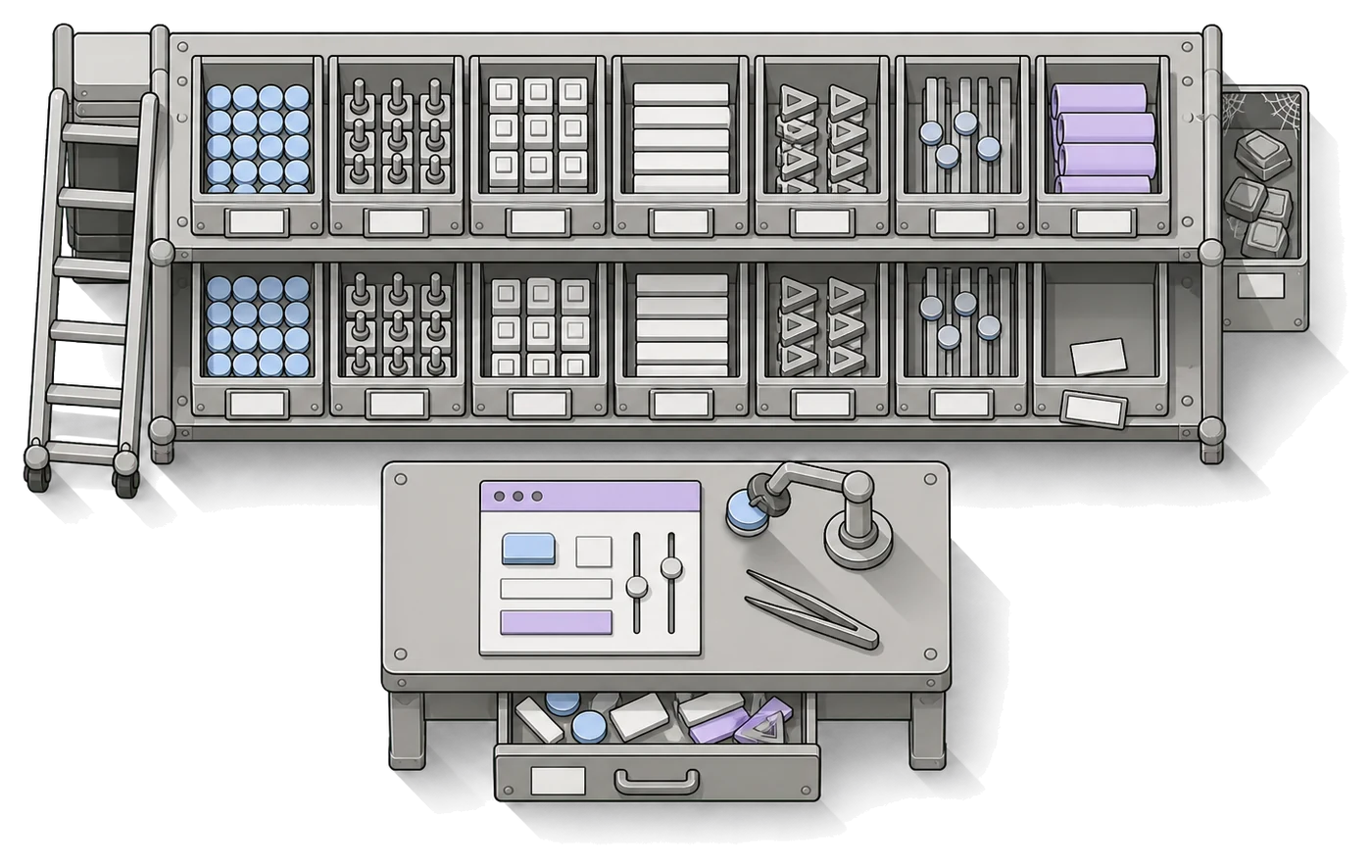
GraphQL API
Powerful APIs generated automatically, tailored to individual roles.
Authentication & authorization
User management, sign-in flows and the Tenant API built in.
Role-based permissions
Access rules down to individual cells. Secure from the start.
React data binding
React components wired to GraphQL data automatically.
PostgreSQL
A proven open-source database, fully managed by the framework.
Schema migrations
Edit, generate, deploy. Without losing data.
Actions & webhooks
Automations triggered by data changes.
Event log & audit
Every operation recorded, complete history.
Multi-tenant & multilingual
Multiple tenants and languages built in.
WYSIWYG editor
Structured text with custom blocks.
2FA & OAuth
Enterprise-grade security built in.
A framework that AI agents can work with too
We designed Contember assuming AI agents would build and maintain more and more applications. A declarative model gives them minimal context and patterns they can reason about reliably.
An agent can't “break the database”: it works with the model, not with SQL.
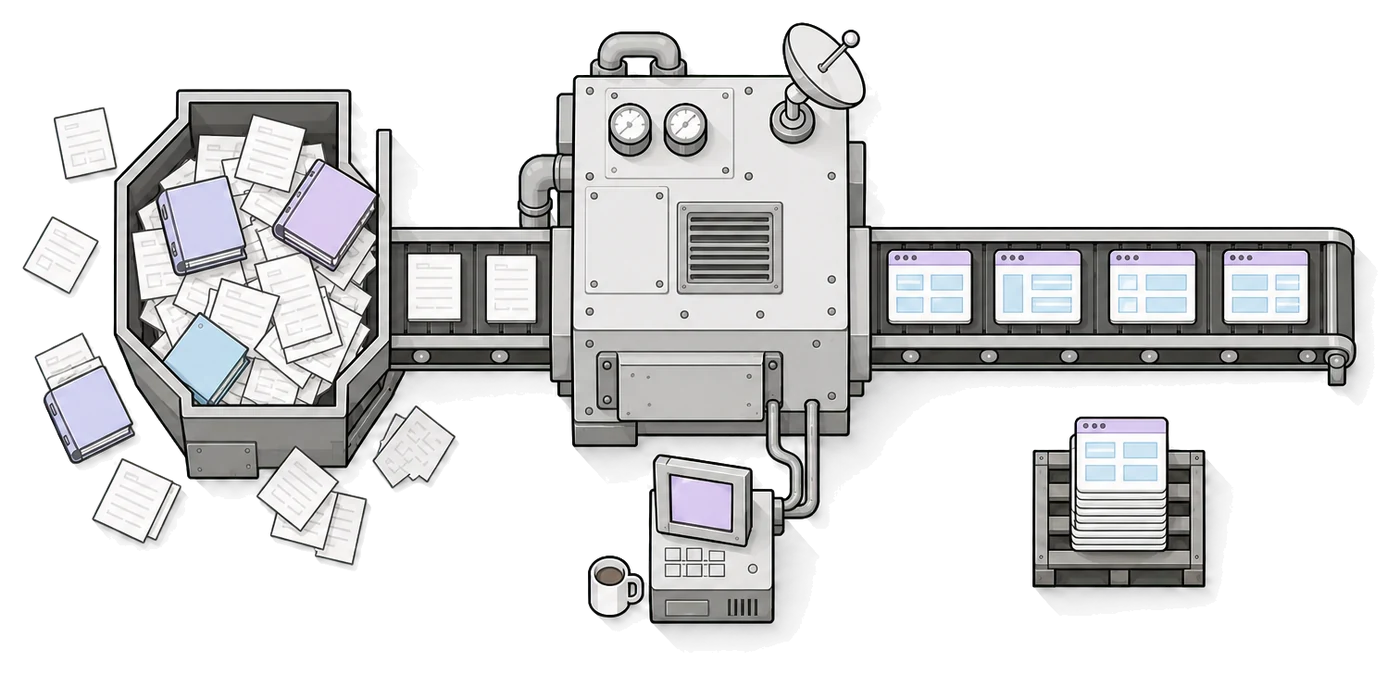
Deploy to your cloud, or ours
Contember Cloud
We run infrastructure, scaling, security patches and database backups. Plans from free to enterprise.
Self-hosted
Apache 2.0. Run it on AWS, GCP, Azure or bare metal, with no license fees for the core.

The fastest path to your first app
Start with the command below. The documentation takes it from there.